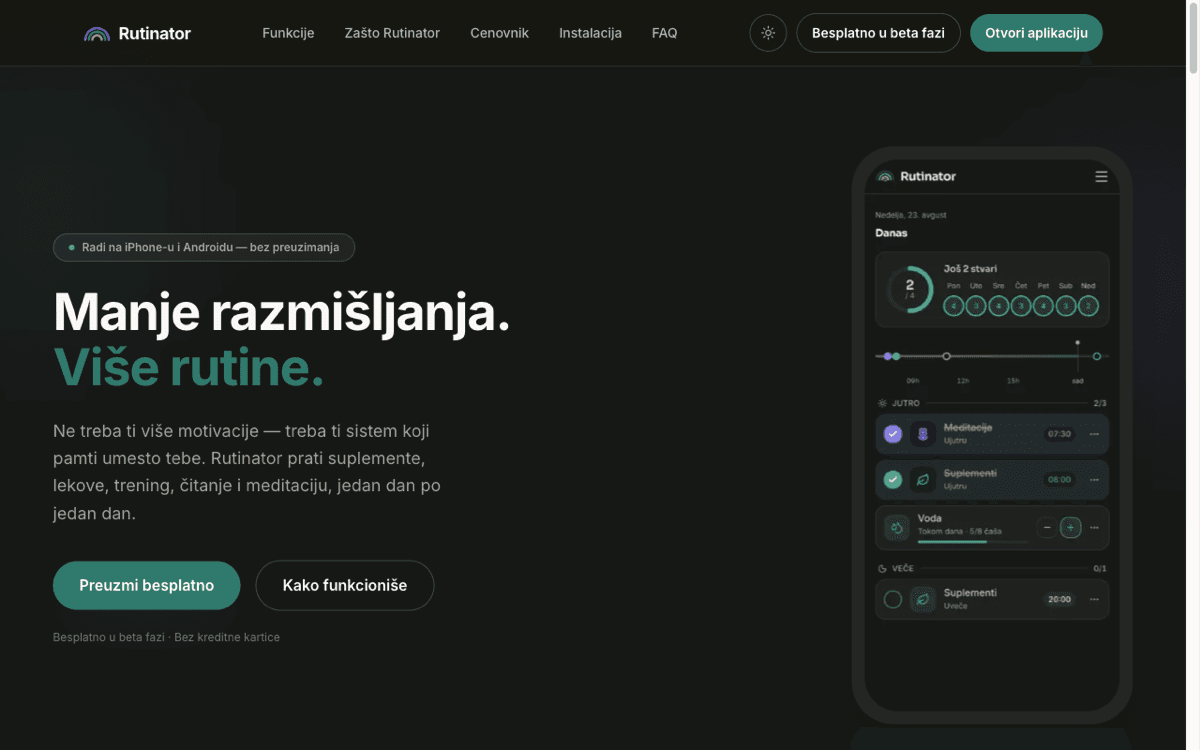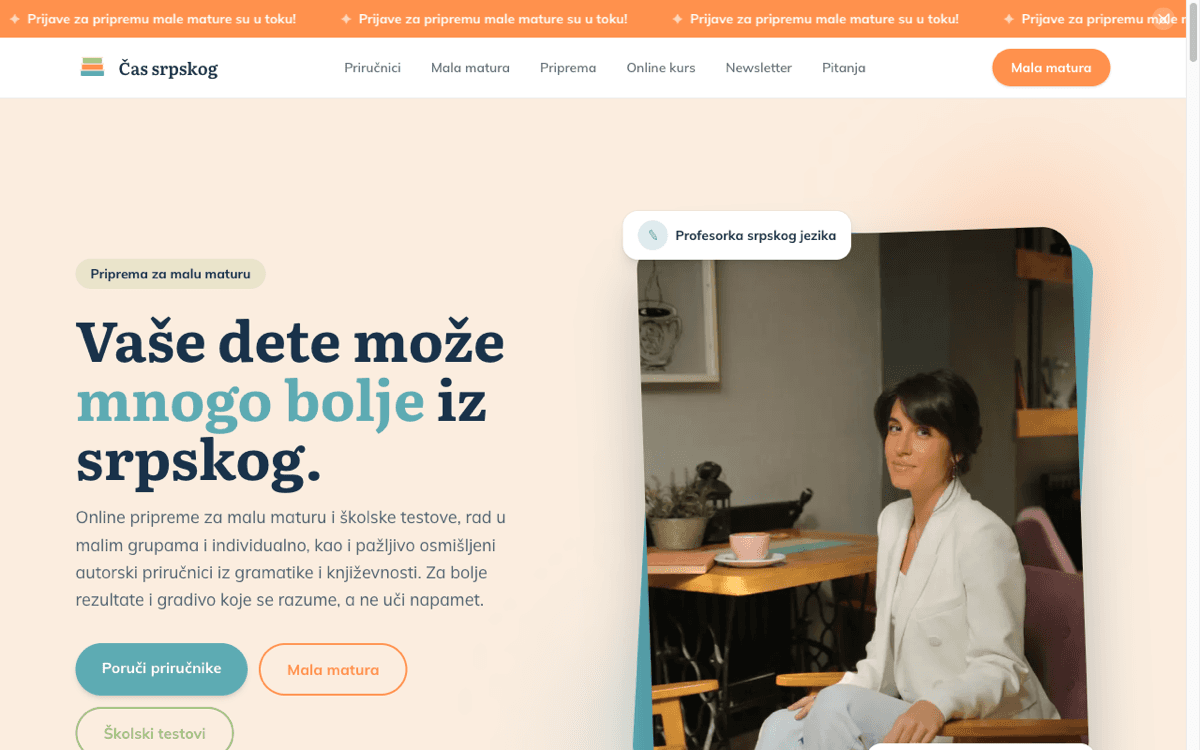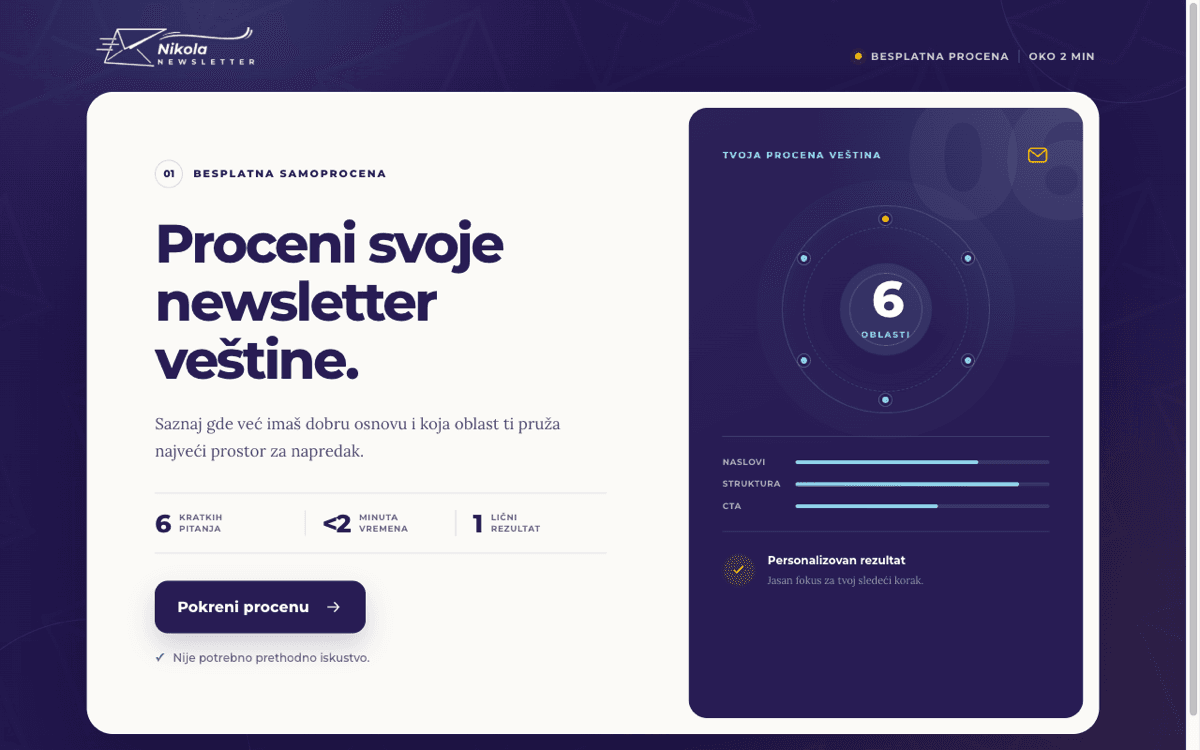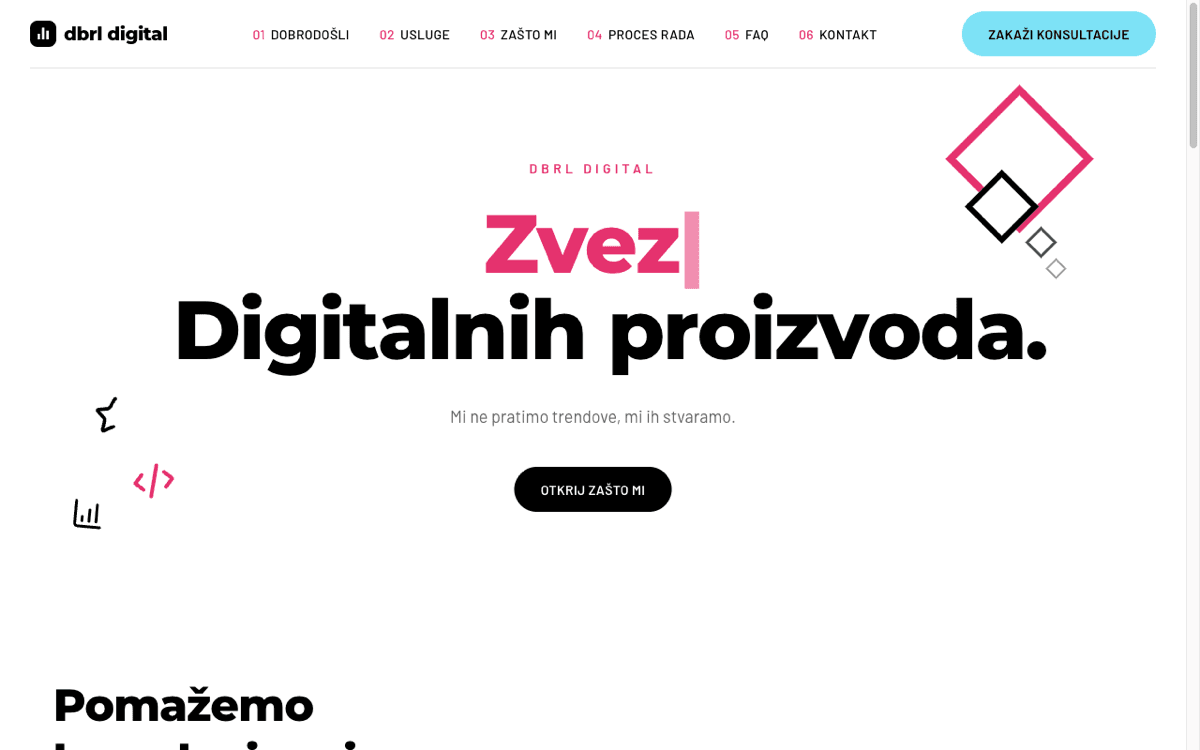


Build a website, store or web app without coding, with the help of AI

Have an idea for a digital product? Need a website for your business? Want to learn to build websites and apps without knowing how to code? LudusVibe is where you learn to guide AI in your own words and make it all happen.

From €33 a month

Cancel anytime.

The LudusVibe platform

What will you learn?

You learn how to give Claude Code instructions, how to set everything up and what matters if you want to build a reliable website or app.

You write in plain English and watch your website or app come to life

We don't learn programming and we don't write code. If you're not a technical person, don't worry. I explain everything in simple words. The tool we use to give AI instructions has one text box and one button. If you can use WhatsApp, you can start. 🚀

I teach you how to take card payments

You'll know how to build an app where people sign up and that has its own database. I show you how to add card payments with monthly billing, which service I use for it and how the money from your subscribers reaches you.

LudusVibe is more than a course

Besides detailed lessons, you get AI assistants that help you while you work, 80+ prompts and ready-made templates for a website, an online store and a SaaS platform with payments and analytics already built in. Got a question or a new project to show? That's what the LudusVibe community is for.

What do you need to get started?

Besides LudusVibe, you need a computer (Windows or Mac), an internet connection and two programs installed: VS Code and Claude Code, where we write instructions to AI and watch our new project come to life.

In the course we use Claude's AI models Opus, Sonnet and Fable, because they write the most reliable, highest-quality code. That means you'll need a Claude Pro plan to start, which is about $20/month. That's the only extra cost besides the platform.
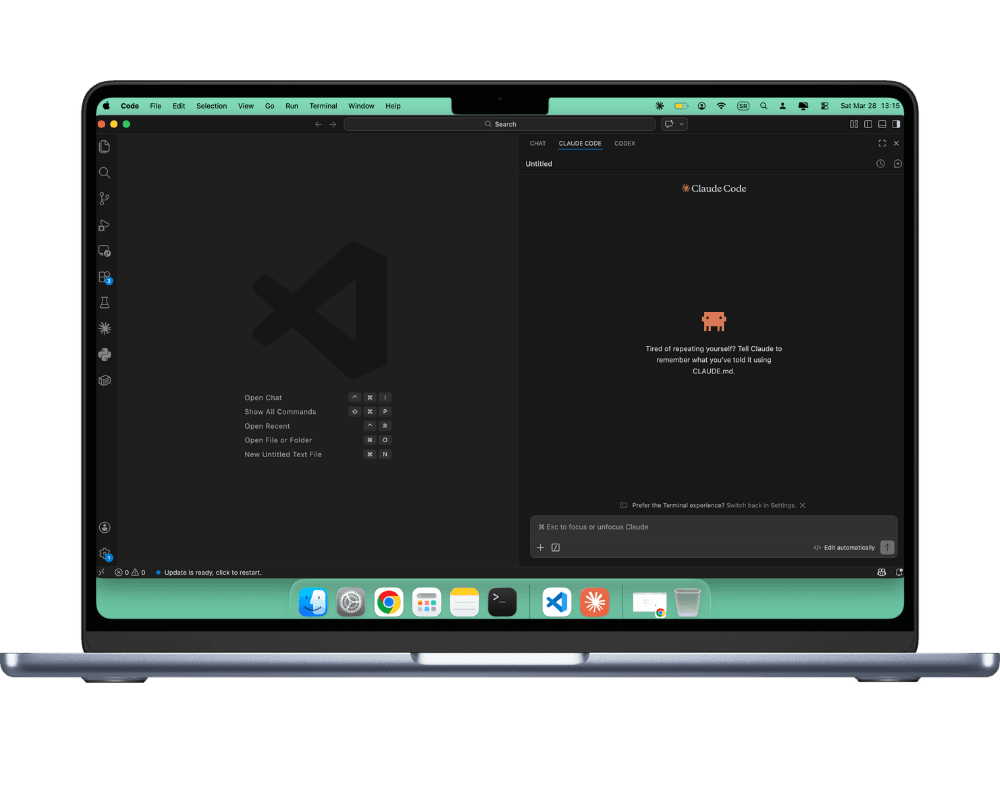
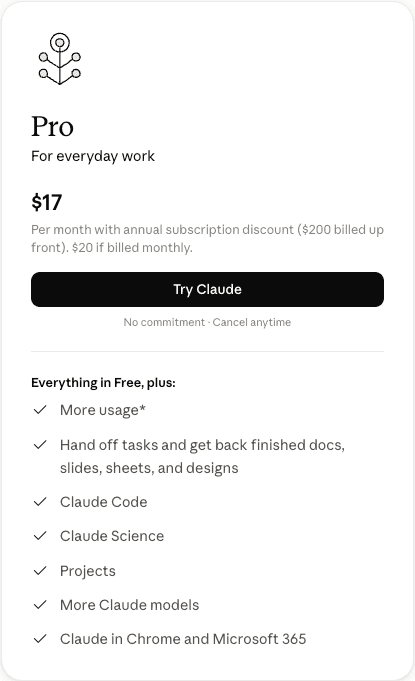
Claude Code in the VS Code editorClaude Pro plan

What can you build with vibe coding?

Just by giving instructions and chatting with AI in your own words, you can build:

A business website with a blog
A portfolio for yourself or a client
An online store (e-commerce)
A landing page for a product or service

A course platform with memberships
A booking and reservation system
A newsletter with automated sending
An AI app that generates text, images or runs analysis
A dashboard for tracking data

Any digital product you can describe in words

The principles you learn in the course work for all of these projects. Only the instructions you give AI change.

MODULES & LESSONS

Every module ends with a finished digital product

I turned my experience into seven hands-on modules. Each lesson shows exactly what I do when I build websites and apps with AI. All you have to do is follow a proven process.

Module 01

Setup: Tools and your first project in 10 minutes

Intro to vibe coding; setting up tools and accounts; your first work with AI; building your first working project.

See the lesson list (6)
  1. 01What vibe coding is and why you don't need code anymore
  2. 02The main tool: where you'll build your projects
  3. 03Where your projects are stored
  4. 04Setting up the extra tools
  5. 05Connecting your AI assistant to the editor (Claude Code)
  6. 06Your first project: a personal website in 10 minutes

Module 02

Project: Build a website

Your first complete project: from a blank screen to a live website with a blog. All with AI, step by step.

See the lesson list (10)
  1. 01Basics: what every website is made of
  2. 02Setting up the project and the tools
  3. 03Set up your AI agent to work for you
  4. 04Rules for working with AI, and what to do when something breaks
  5. 05Your first prompt: how to give a clear task
  6. 06Designing the look of your website with AI
  7. 07From design to your first published blog post
  8. 08Adding a newsletter sign-up
  9. 09Adding new pages and features
  10. 10Putting your website online

Module 03

Project: A sales page

How to use AI to analyze successful sales pages, then build your own based on them, apply your branding, add analytics and put it online.

See the lesson list (13)
  1. 01The website where I find successful startups
  2. 02Installing an extension for analyzing websites
  3. 03Analyzing a sales page with AI
  4. 04Building a sales page the Alex Hormozi way
  5. 05Applying your branding to the sales page
  6. 06Adjusting the copy, adding video and images
  7. 07Adding Google Analytics to the sales page
  8. 08Adding the Meta Pixel for Instagram and Facebook ads
  9. 09Building a form for booking consultations
  10. 10Adding a tool that shows how visitors use your sales page
  11. 11Fixing a bug
  12. 12Saving all your changes to GitHub
  13. 13Putting the sales page online (COMING SOON)

Module 04

Project: A course platform with memberships

The biggest project: a platform where people sign up, pay for a membership and get access to content. Everything you've learned comes together here.

See the lesson list (13)
  1. 01The difference between a website and a platform
  2. 02Setting up the project and connecting all the pieces
  3. 03Sign-up and user accounts
  4. 04Setting up AI to do its best work
  5. 05Designing the platform and the user dashboard
  6. 06The course and lesson system
  7. 07A service for payments and subscriptions
  8. 08Connecting payments and subscriptions
  9. 09Building the sales page
  10. 10Connecting Google Analytics and the Meta Pixel
  11. 11Solving real-world problems
  12. 12Testing and getting the platform ready to launch
  13. 13Putting the platform online

Module 05

Project: An AI app for creating marketing content

Build an app with user sign-up, an AI chatbot and chat history. AI writes the code, you test it.

See the lesson list (12)
  1. 01What we're building and what the finished app looks like
  2. 02The difference between a website and an app
  3. 03Setting up the project and connecting the database
  4. 04How to make AI work more efficiently on this project
  5. 05User sign-up and login
  6. 06Designing the chatbot
  7. 07Connecting the chatbot to AI
  8. 08Protecting the app and its data
  9. 09Adding memory (chat history)
  10. 10When you get stuck: solving problems with AI
  11. 11Testing and getting ready to publish
  12. 12Putting the app online

Module 06

Project: An AI video editor

If you're a content creator who edits and publishes video every day, I'll show you how to vibe code your own web app that speeds up your work and cuts your costs.

See the lesson list (10)
  1. 01What we're doing in this module
  2. 02Setting up your vibe coding tool
  3. 03Security settings for the work ahead
  4. 04Connecting AI models to the project
  5. 05Running the project and saving it to GitHub
  6. 06How the AI video editor works
  7. 07How I built the features
  8. 08Adding a bigger feature
  9. 09Smaller features and helper options
  10. 10Keeping the web app always available on your computer

Module 07

Project: An online store with card payments

Need an online store for yourself or a client? I show you how to build one fast with vibe coding.

See the lesson list (5)
  1. 01Setting up the project
  2. 02Connecting Shopify to your website
  3. 03Connecting Shopify tools and creating products
  4. 04Customizing the design
  5. 05Applying to accept card payments
Create a free account

Signing up is free. Every lesson, the Community and the tools come with a membership.

Important

Who LudusVibe is not for

LudusVibe is not for you if:

You expect results without effort
You can't put in 4 to 6 hours of work a week
You want to learn traditional programming
You don't want to follow the lessons and do the exercises
You're looking for "easy money with no work"

LudusVibe is for you if:

You have an idea but don't know how to build it
You're ready to put time and work into learning
You want control over your own digital product
You get that vibe coding takes a process, not shortcuts
You want a skill the job market already asks for

New: monthly membership

Join monthly, or go yearly and save

NEW

Monthly membership

€33/month
Get access
Module 1: Tools and your first project in 10 minutes
Module 2: A website with a blog
Module 3: A sales page
Module 4: A course platform with memberships
Module 5: An AI app
Module 6: An AI video editor
Module 7: An online store
Project templates
80 project prompts
Vibe Workshop with 10 projects
AI assistant for your first prompt
New projects and lessons added throughout the year
Renews every month. Cancel anytime and keep access until the end of the month you paid for.
Save 27%

Yearly membership

€290/year
Get access
Module 1: Tools and your first project in 10 minutes
Module 2: A website with a blog
Module 3: A sales page
Module 4: A course platform with memberships
Module 5: An AI app
Module 6: An AI video editor
Module 7: An online store
Project templates
80 project prompts
Vibe Workshop with 10 projects
AI assistant for your first prompt
New projects and lessons added throughout the year
Renews automatically every year. Cancel anytime and keep access until the end of the year you paid for. Every lesson, module and resource added during that time is included.

Need to pay with PayPal or as a company? Email me at [email protected]

Students working on laptops

Student pricing

If you're between 15 and 26 and currently in high school or college, you can get LudusVibe at a special price.

€127/ yearly membership

Just email a photo of your student ID or proof of enrollment to [email protected] or send me an Instagram DM. I'll send you a coupon code for the student price.

Miloš Stevanović (Miloš Ludus)

Creator of the platform and your mentor

I'm Miloš Stevanović (Miloš Ludus online), a multidisciplinary designer, developer and founder with more than 15 years of experience building digital products. For years I worked as a freelancer, building digital products for companies and agencies like Nivea, Lukoil, Microsoft, Telekom, PSP-Farman Holding, RBLN7, Darwin Digital and North Kingdom. I've also launched several startups, and in 2018 one of them won first prize in Startit's startup idea of the year competition.

I created and co-founded the education platforms Ludus Akademija, Ludus Membership and LudusVibe, which have taught thousands of founders. I'm also a partner in Doktor i dete and Cimless app.

Since 2024 I haven't written a single line of code, yet I've built eight membership platforms, three AI web apps, two corporate websites and more than ten landing pages. All of it with vibe coding. I described what I wanted in my own words, and AI wrote the code. New features for my platforms, automations, social media post design and video editing: I do all of it with AI. Vibe coding has become the most important new skill of the 21st century and a way to multiply your productivity. That's why I built LudusVibe: so people can not only be more productive, but also build their own digital products without having to learn web design and programming.

A newsletter you can put to work right away

I write about AI tools, share hands-on tutorials and stories of solo founders who make money from the apps and platforms they vibe coded.

You can unsubscribe from my newsletter anytime.

FAQ

Got a question? Here are straight answers.

What is LudusVibe?
LudusVibe is a platform where you learn to build your own digital products with AI using vibe coding, without traditional programming. It's made of modules and video lessons, with new ones added every month. Every module except the first is a real project I build with vibe coding.
Do I need to know how to code to use LudusVibe?
No. You don't need to know code. You learn to give AI instructions in the same plain language you use every day, and AI writes the code for you.
What exactly will I be able to build with LudusVibe?
After all the modules you'll know how to build a professional website for yourself or for clients, a web app, an online store with card payments or any other digital product. Every module ends with a working product.
Will what I build actually work? Can I use it professionally?
Yes. Every project you build is real and working. We put each one online at its own web address, so you can use it for work, for clients or for your own business.
Can't I learn this for free on YouTube?
Of course you can. YouTube has plenty of free, useful content on this. This course is complete: I walk you through every step, from idea to finished product, which saves you a lot of time and searching.
What if this isn't for me? Is there a guarantee?
Absolutely. You have 14 days to try the platform. If you decide it's not for you, you get a full refund.
What do I need to get started?
Just a computer, an internet connection and a Claude Pro subscription, which costs $20 a month. In the first module you install all the tools and open your AI accounts. You don't prepare anything in advance. You start from zero, and after the first 15 minutes you already have your first project.
Which AI tool do you use in the course?
I use Claude Code, an AI tool that runs as an extension in VS Code. It needs a Claude Pro plan, which costs $20 a month. That's the only extra cost. Everything else (VS Code, Node.js and the other tools) is free. During the year I plan to add lessons for other AI tools too.
How much does everything I need cost in total?
LudusVibe membership is €33 a month or €290 a year. On top of that you need a Claude Pro subscription for $20 a month. That's your total investment to get started.
What's the difference between the monthly and yearly membership?
The content is the same: every module, lesson, template, prompt and the Vibe Workshop. The only difference is the price and how often you pay. Monthly is €33 and works well if you want to try the platform first. Yearly is €290, 27% less than 12 months of monthly (€396), and it pays off if you know you'll keep learning.
How long does access last and how does it renew?
The monthly membership renews every month and the yearly one every year, automatically from your card. You can cancel anytime from the Billing page and keep access until the end of the period you paid for. Every lesson, module and resource added while your membership is active is included.
How can I pay?
You pay by card directly on the website (€33 a month or €290 a year). If you need to pay with PayPal or as a company, email me at [email protected]
Can I build an online store or an e-commerce website?
Yes. The vibe coding principles you learn in the course apply to any kind of digital product, including online stores, product catalog websites and ordering systems. What changes are the instructions you give AI, not the way you work.
Is there a video showing what the platform looks like?
Yes. Before you decide, you can watch the demo video at the top of this page. It shows the platform from the inside, how the lessons are structured and what you can expect from the course.